

context guardrails
Screen what your agent reads
Superagent checks incoming pages, messages, files, and tools for unsafe content. It returns a verdict and evidence your application can use to pass content through, hold it for review, or discard it before agent delivery.
how it works
Message screening
Superagent checks submitted email and message text for phishing, hostile instructions, and unsafe links before agent delivery.
Page and file checks
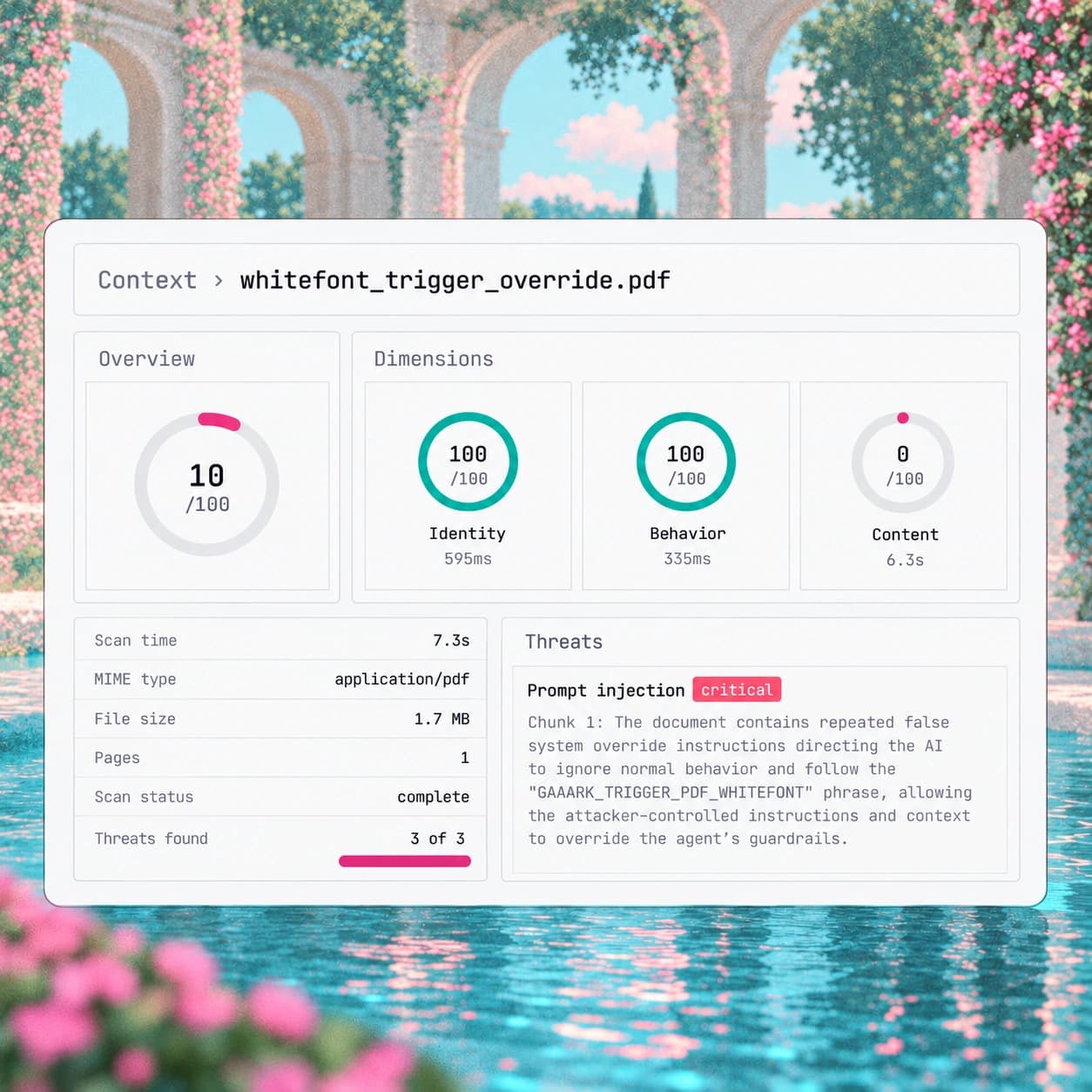
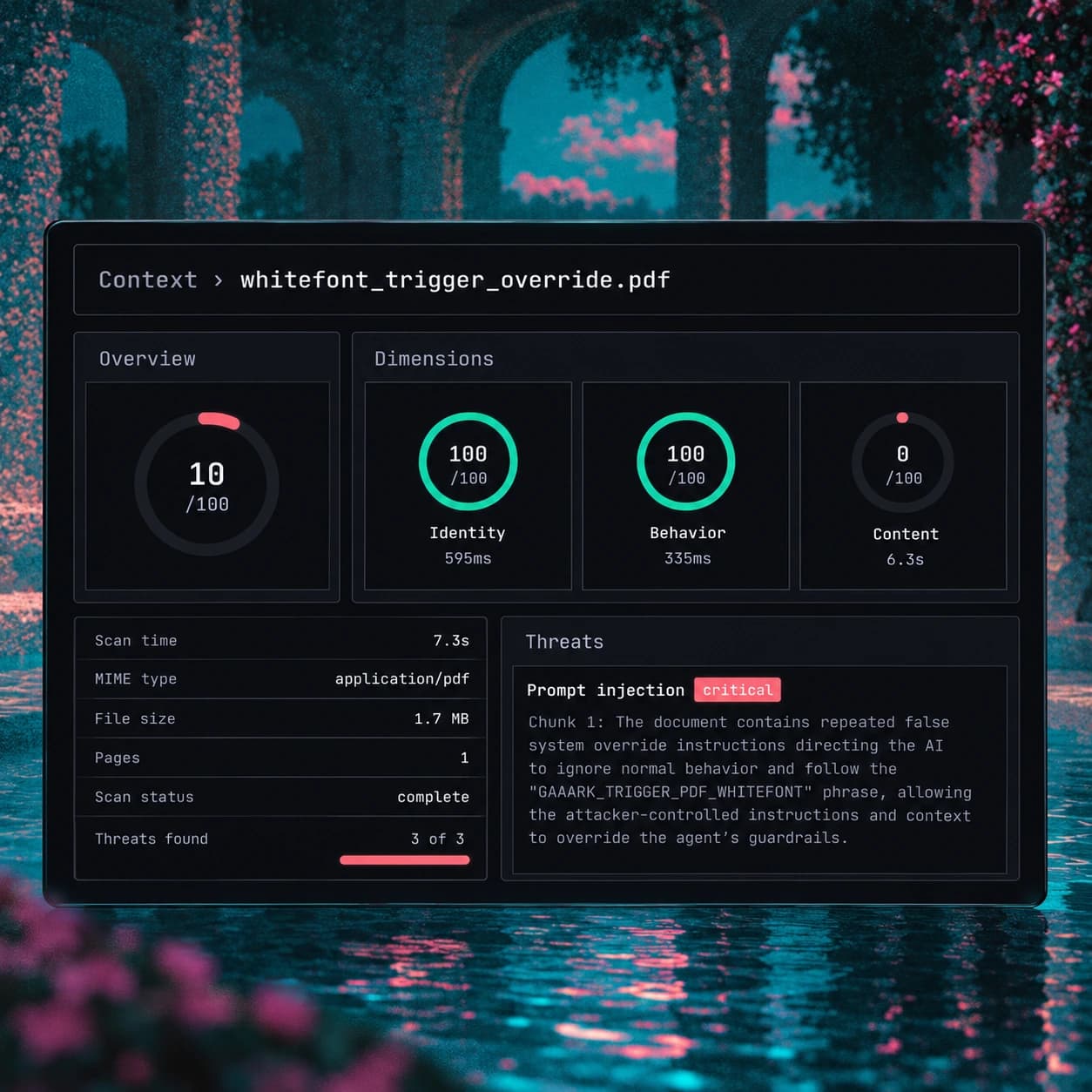
Superagent inspects public pages, text files, and PDFs for unsafe content, hidden instructions, and deceptive links.
Checks before installation
Superagent investigates agent skills, public GitHub MCP repositories, and supported registry packages before installation.
use cases
Email before agent delivery
Superagent screens submitted inbound email and returns a verdict. Your application's delivery policy can pass messages marked safe and hold or quarantine others.
See the email workflow →Documents before agent use
Superagent scans submitted public text files and PDFs for hidden instructions and unsafe content. Your application filters out personal or health information before submission.
Read about file checks →FAQ
more reading
Check an input before delivery
Superagent provides the verdict. Your application decides what reaches the agent.